Where is everything?
Manual shelf audits are slow. The layout changes again before the report travels back to head office.
On-prem computer vision and analytics that turn a shelf photo into a structured layout. See which row, facing and product is working, then decide what to change.
Discuss your shelvesSee how it works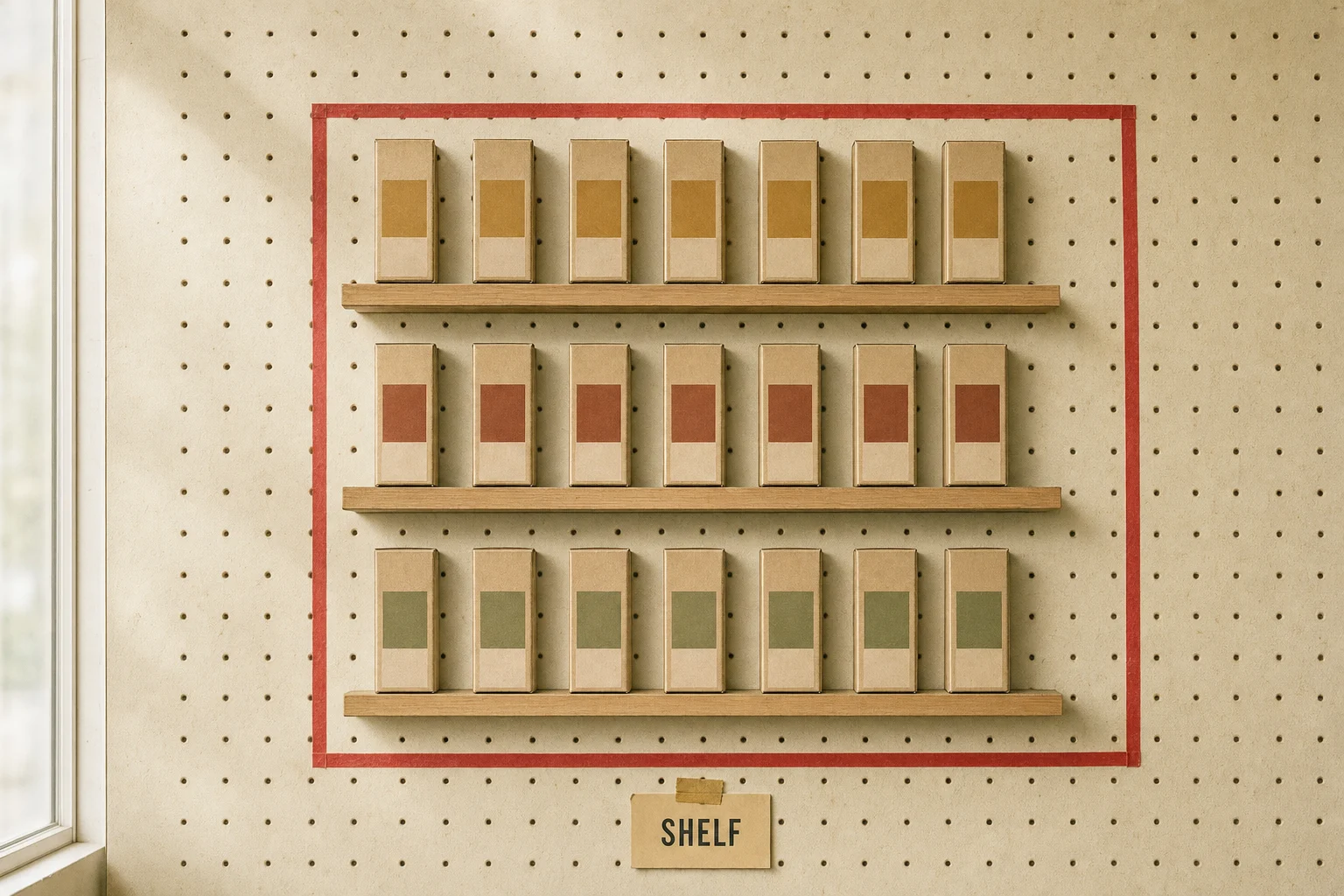
Manual shelf audits are slow. The layout changes again before the report travels back to head office.
POS tells you a product sold. It doesn't tell you which row held it or whether the planned facing was there.
A store-wide number does not explain which shelf needs attention this morning.
Photograph a shelf with a phone. No special capture rig.
Match products to the catalog. A person confirms the uncertain ones.
Tie the structured shelf to sales, down to the row and product.
Work from a prioritized list of exceptions, not an undirected spreadsheet.
A morning list surfaces empty slots, top sellers that stalled and shelves overdue for a capture. Rank attention by revenue at risk.
Revenue, products, facings, a 30-day trend and revenue by weekday, in one shelf report. Export a PDF for store operations.
Category share, daily revenue and products gaining or losing momentum. Read the individual SKU rather than only the whole department.
Increasing resolution, not a claim of increasing revenue.
Layout, capture history, facings and catalog gaps in one place.
What moves, what stalls, and where each SKU sits on the floor.
Capture coverage and revenue across locations.
The deployment runs locally on retailer hardware. Shelf photos and POS data stay on-site, with no vendor-controlled cloud required.
Keep capture and sales together inside your own infrastructure.
You own the model, rather than paying per seat, store or call.
Hardware, installation and operation still have costs. Scope those against the actual store environment.
A large retailer in Southeast Asia runs this today. The client is unnamed. Here is exactly what that deployment shows, and what we do not claim.
Shelf, row and slot-level visibility from a phone photo, with a human check on every uncertain match.
No verified before/after dataset is published. Public demo dashboards use fictional stores and illustrative figures, not customer results.
How a supermarket chain moved from a shelf photo to a prioritized job.
Read the case studyStart with the shelves, catalog and operational question you need to answer. Then discuss a walkthrough, a bounded pilot and the on-prem deployment requirements.
Discuss Retail PlanogramOr write to founders@generalmachines.ai